


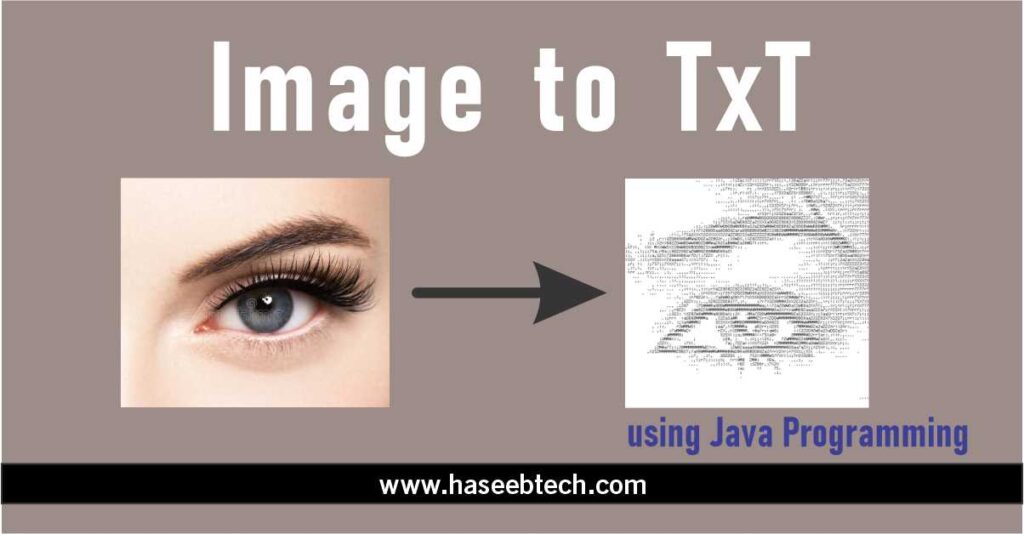
To convert an image into text in Java, you can use the Tesseract OCR (Optical Character Recognition) library. Here’s an example code snippet that shows how to use the Tesseract OCR library to perform OCR on an image and extract text from it:
import java.io.File;
import net.sourceforge.tess4j.*;

public class ImageToText {
    public static void main(String[] args) {
        File imageFile = new File("image.jpg");
        ITesseract instance = new Tesseract();
            try {
                String result = instance.doOCR(imageFile);
                System.out.println(result);
            } catch (TesseractException e) {
        System.err.println(e.getMessage());
        }
    }
}
Here, we first create a File object that represents the input image file. Then, we create an instance of the Tesseract class, which is the main class in the Tesseract OCR library. We then call the doOCR() method of the Tesseract instance and pass in the imageFile as the input. This method performs OCR on the image and returns the extracted text as a string. Finally, we print the extracted text to the console.
Note that you will need to download the Tesseract OCR library and add it to your project’s classpath in order to use it. Also, make sure that you have the appropriate language data files installed for the language of the text you are trying to extract.